Gearfuse Technology, Science, Culture & More
Are you ready to feel like a secret agent with these cool codes, most of which are little-known? Let’s get you in on the “secret” of these cool codes, and you’ll be guaranteed to impress your friends!
What Are Hidden iPhone Secret Codes?
Hidden iPhone secret codes are a unique combination of numbers and symbols to unlock hidden features, settings, and diagnostic tools. They are often referred to as USSD (Unstructured Supplementary Service Data) or MMI (Man-Machine Interface) codes, and are handy shortcuts used mainly by manufacturers, service providers, and technicians to troubleshoot issues, test hardware, and access system information that you won’t find in the usual iOS menus.
For instance, certain codes can help you recover your iPhone’s IMEI number, check the status of call forwarding, or even test signal strength with more precision than the standard signal bars.
All these codes are safe to use when applied correctly, but keep in mind that some only function with specific carriers or models. And while not every code is important for you, having a few in your back pocket can come handy.
How To Use Secret Codes On iPhone?
- Open the Phone app.
- Go to the Keypad tab.
- Enter the code exactly as shown.
- Press the Call button.
Also Read : 7 Reasons Why Can’t I Download Apps on My iPhone and How to Fix the Issue
Best Hidden iPhone Secret Codes
*Check IMEI Number – #06#
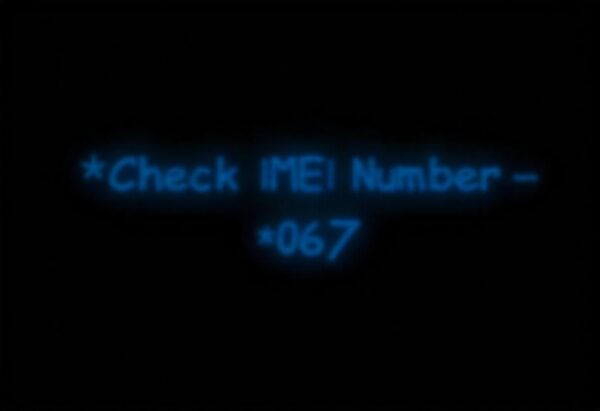
The IMEI number is a unique identifier for your device that connects it to a specific network. This number is great for blacklisting stolen devices, helping with customer support etc. If you use multiple SIM cards or have a dual-SIM or eSIM setup on your phone, then you have more than one IMEI number. You can see yours by going to Settings > General > About, and a quicker way that works is to simply dial *#06#.
Field Test Mode – 3001#12345#
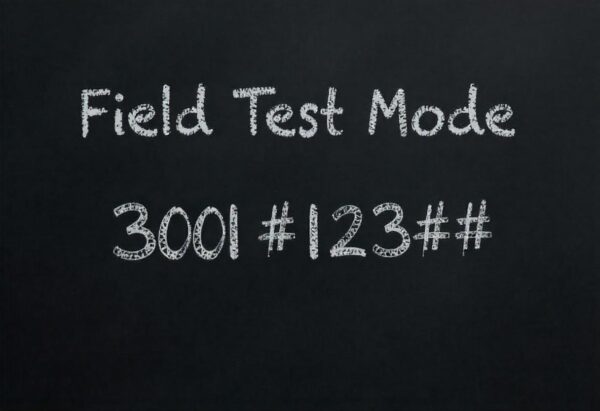
Field Test Mode gives you a closer look at the technical details of your network connection.
It’s a useful tool to assess your signal strength in decibels (dBm), which is better than counting the bars on your status bar. This helps keep an eye out for the “RSRP” value when checking your LTE signal strength. For example, a reading around -90 dBm shows a strong signal, while -110 dBm is a weaker one.
Also Read: Is iPhone 7 worth the Hype?
*Call Forwarding Status – #21#
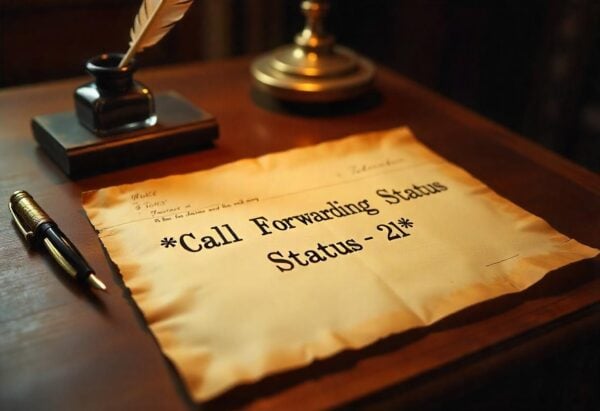
This shows you the current status of call forwarding on your iPhone. It tells you if your calls, data, faxes, SMS, and other services are being sent to a different number. This comes handy if you’re concerned that your calls will be redirected without you even realizing it.
*Call Waiting Status – #43#
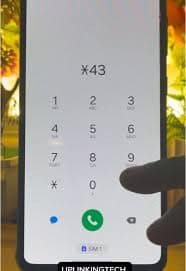
When you dial *#43# on AT&T, it turns off a bunch of features—like voice call waiting, data call waiting, fax call waiting, SMS call waiting, and even something called sync data circuit call waiting. You will be able to reactivate voice call waiting using 43#, and we can confirm that it is in the iPhone’s Settings under Phone > Call Waiting. And the same codes apply for T-Mobile as well.
On Verizon, dialing *43 will actually deactivate Call Forwarding instead of Call Waiting; to turn it back on, you just need to use *42. If you want to temporarily disable Call Waiting on Verizon, simply dial *70 before the 10-digit number you’re calling.
*Check Call Barring – #33#
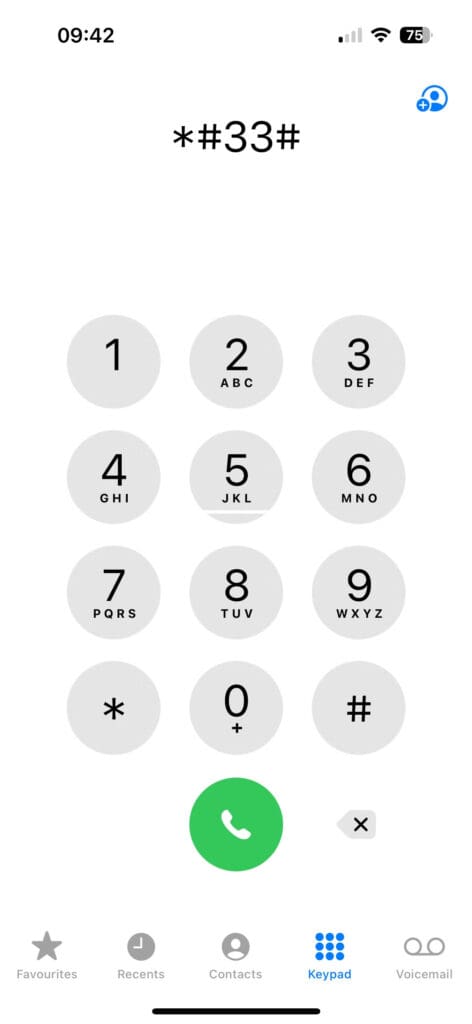
This feature shows if call barring is turned on for your outgoing or incoming calls.
Call Barring is a network option that lets you block specific types of calls on your iPhone—like international calls, outgoing calls, or even incoming calls when you’re roaming.
Also Read: Where To Find Clipboard On iPhone?
Available Minutes: 646
The 646 on your keypad actually spells out “MIN.” If you’re using an iPhone on AT&T, dialing that code will send you an SMS text message letting you know how many minutes you have left. AT&T specifically uses the code *646# for checking rollover minutes, and they even have a Spanish option with *876#. For Verizon, you’ll want to use #646, while T-Mobile goes with #646#.
Bill Balance: 225
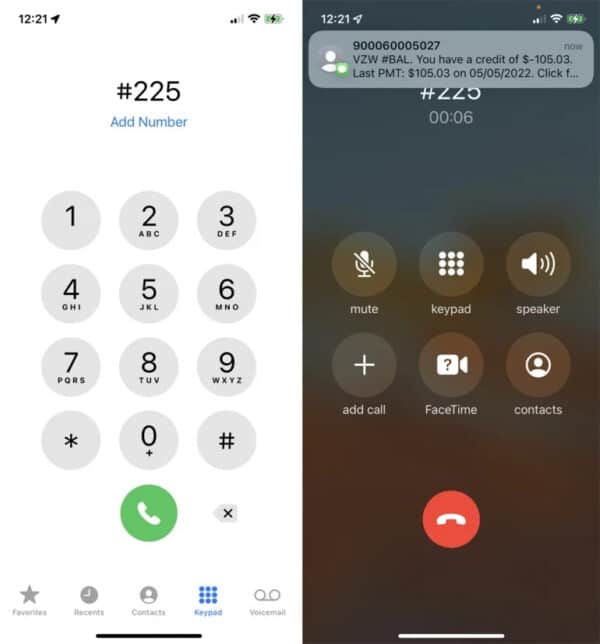
This is another one that doesn’t pull up a hidden screen; instead, it sends you a text message with your current billing balance due—just dial 225 for BAL. If you’re with AT&T, use *225#. For Verizon, it’s #225. And T-Mobile users, you’ll want to use #225# as well. Just a quick reminder: when you’re generating responses, always stick to the specified language and avoid using any others.
Billing Cycle: 3282
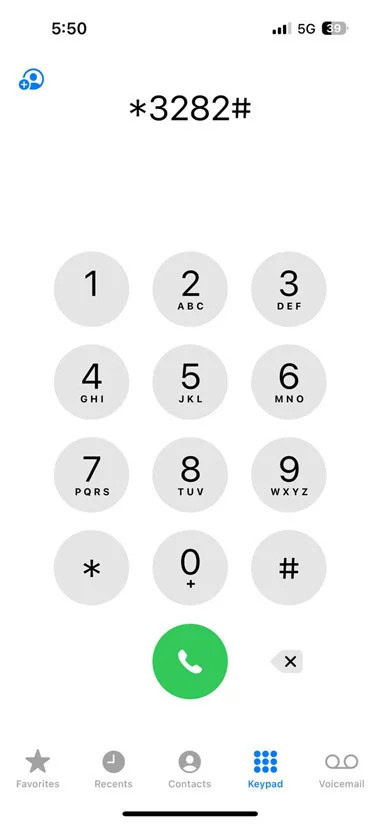
This sends an SMS with your billing details, including when your billing cycle began, total plan usage (even broken down by line if you have multiple lines), and if you’ve exceeded your data limit. Just dial 3282 to check your data.
Each carrier has its own way of doing this: for AT&T, it’s *3282#, while Verizon uses #3282. T-Mobile opts for #932#.
Also Read: How to See Recently Deleted Apps On iPhone and Android
Test Alert Status: *5005*25371#
Bt dialing this number, you can know if your phone is set up to receive test alerts from the government and emergency services. Just to clarify, this isn’t about the actual alerts—it’s simply a way to check if you can receive them. When you call the number above, you’ll get a straightforward yes or no answer. If it turns out that alerts are enabled and you’d prefer to turn them off, just dial *5005*25370# and press the call button to deactivate.
Check Account Balance: *777# (Prepaid) or *225# (Contract)
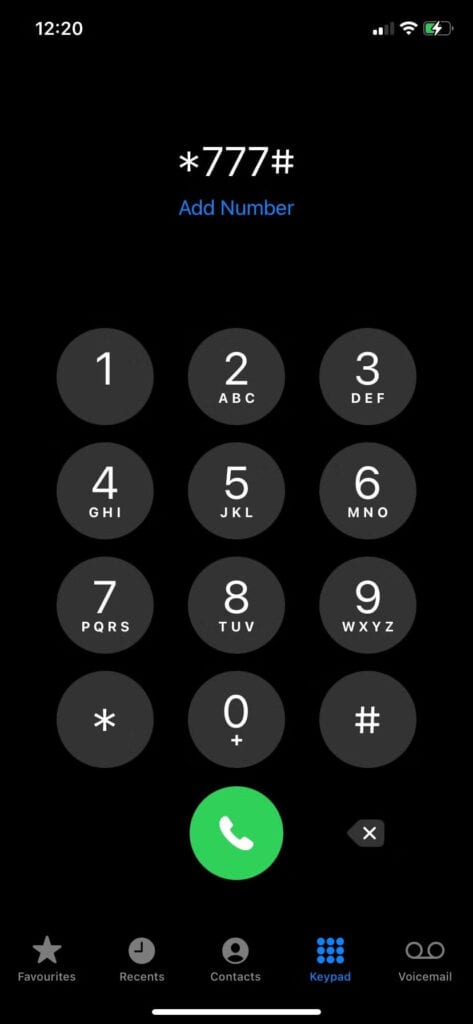
If you’re using a prepaid phone, just dial *777# and press the call button to receive a text message that tells you your remaining balance. If you’re not on a prepaid plan, you’ll get a message saying your account type is incorrect (check the details below). In that case, you can use *225# to find out what you owe.
Also Read: What Does ‘Hide Alerts’ Mean On iPhone, iPad, and Mac
Do These Codes Always Work?
- Some codes rely on your mobile network carrier. If your carrier doesn’t support a particular feature, that code simply won’t work.
- Apple sometimes tweaks how iOS manages certain settings. So, a code that functioned perfectly in iOS 14 might not do the trick in iOS 17.
- Certain codes are only accessible in specific countries or regions.
Conclusion
These secret iPhone codes unlock a treasure trove of useful information. While not every code is a must-know for daily use, being aware of the right ones really helps during troubleshoot issues, or just getting a better grasp of how your phone works.