 Gearfuse Technology, Science, Culture & More
Widgets for iPhone allow you to display photos on the home screen, view essential information, and avoid accessing multiple applications as it is possible to use the widget, not the full application. Widgets have several appearances and styles some may prefer a more elegant appearance while others may be more interested in simplicity or functionality. Some of the best widget apps for iPhone offer customization at the best price, and several have a free version. Here are the 10 best iPhone widgets in 2027.
1. Widgetsmith – Best Overall
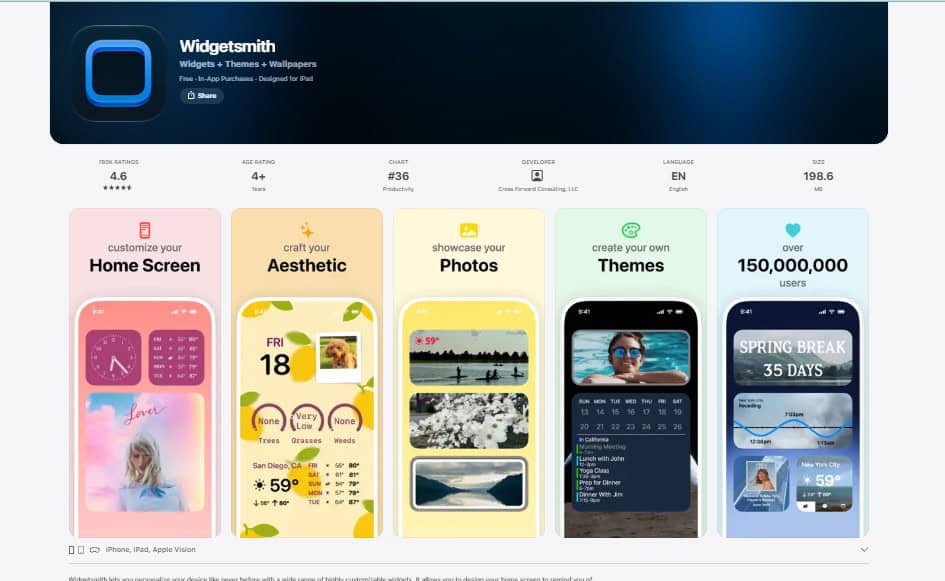
Widgetsmith is a popular application because it allows you to customize widgets for your iPhone in an innovative way. You can personalize the clock, calendars, photos, and many other functions. You may also enjoy experimenting with colors, fonts, and combinations in order to match the wallpaper or go for a sleek and minimalist approach. This application is great for both novice and advanced users.
Key features:
- Customizable clock, calendar, and photo widgets
- Multiple sizes and styles to choose from
- Widgets for home screen and lock screen
- Offers free and premium options
Best for: Best overall iPhone widget customization
2. Color Widgets – Best for Aesthetic Designs
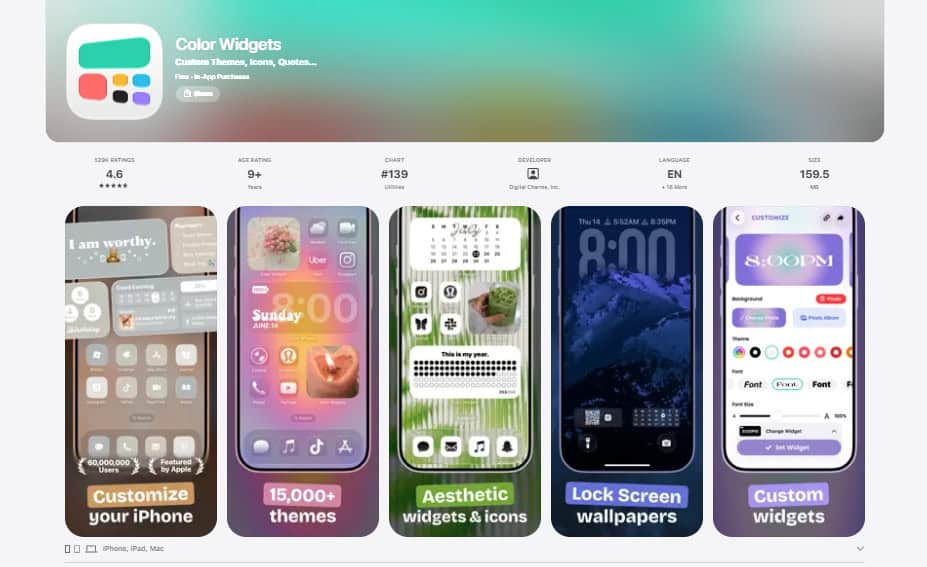
If you are a beginner and wish to personalize your iPhone home screen with beautiful clocks, dates, calendars, and battery widgets, this is a great application for you. You can choose from a wide variety of colors and themes in order to match your wallpaper. Several options are available for free while some may have to be purchased.
Key features:
- Clock, date, and calendar widgets
- Customizable colors and fonts
- Offers free and premium options
Best for: iPhone widget customization beginners
Also Read: How to Pair Apple Pencil with iPad: A Complete Guide
3. Widgy – Best for Advanced Customization
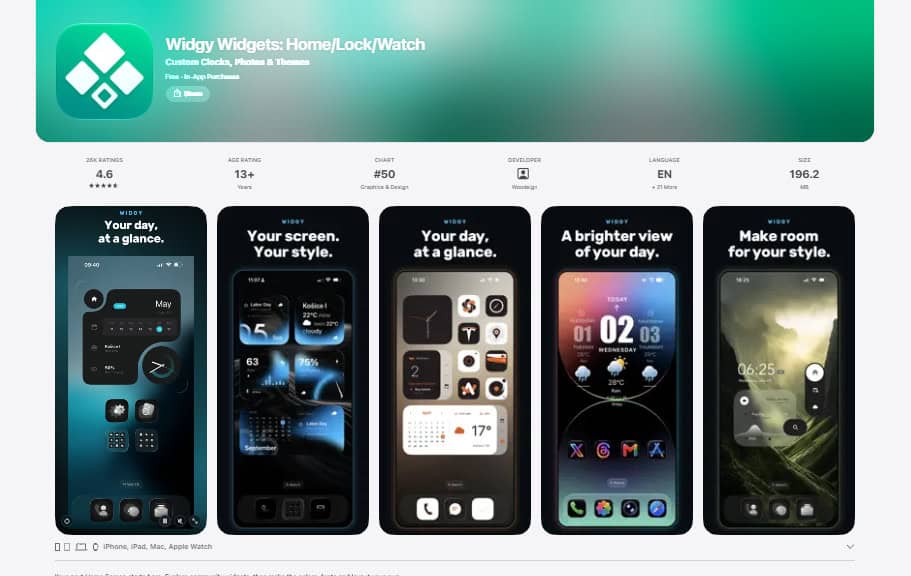
Widgy provides incredible creative freedom and an amazing set of tools for advanced widget customization. While most applications only allow you to use a built-in template, with Widgy you can combine text, photos, information widgets, and much more in order to design a unique and personalized widget. Some tools may require additional experience and time to master, but the final result will be worth it.
Key features:
- Wide range of customization tools
- Multiple informational widgets
- Offers free and paid options
Best for: iPhone widget customization enthusiasts
4. iScreen – Best for Complete Themes
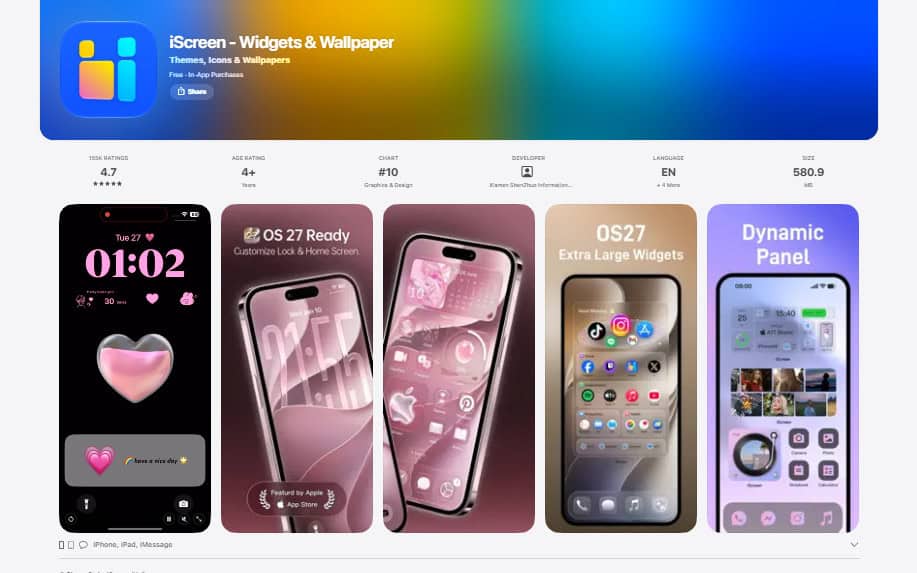
iScreen is a great application for everyone who wishes to transform their iPhone screen into something they have always imagined. You can add clocks, calendars, photo widgets, and themes. There are various themes, such as cute and minimalist, so that everyone can choose their preferred style and customize the appearance of their device. Several features may be unlocked as you make purchases within the application.
Key features:
- Multiple unique themes and wallpapers
- Customizable clock, date, and photo widgets
- Offers free and premium options
Best for: iPhone themes and wallpapers customization
Also Read: Reset iPhone Without Password: A Practical, Responsible Recovery Plan.
5. Pretty Progress – Best Countdown Widgets
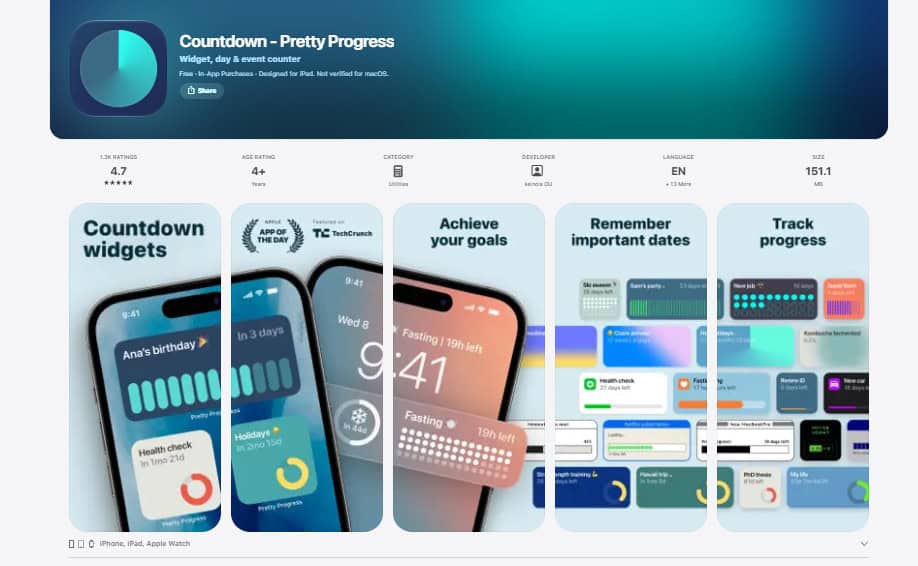
This is a great tool for those who wish to track time and never miss an important event. There are multiple countdown widgets that allow you to see how much time is left before a particular day or event. For instance, you can set up a widget that will show how much time is left before a birthday, a vacation, or an exam. This way, you will always know about upcoming events and never forget them.
Key features:
- Countdown widgets for events and days
- Easy-to-customize themes and colors
- Suitable for tracking progress
- Offers free and premium options
Best for: Tracking and managing events or days
6. Photo Widget: Theme Wallpapers – Best for Personal Photos
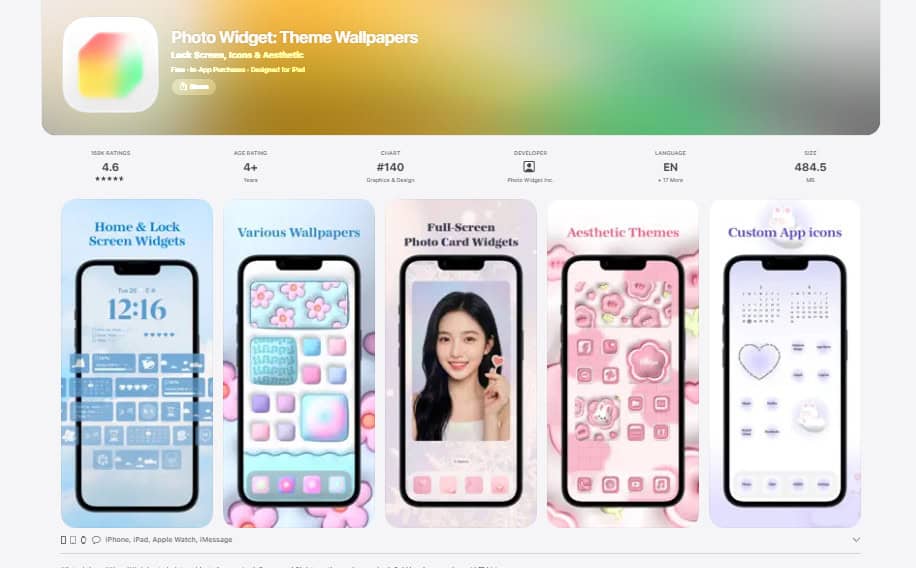
Do you wish to see your favorite photos every day when you unlock your phone? This application is ideal for those who want to transform their iPhone home screen into their preferred appearance. You can customize the themes with photographs and choose from a wide range of colors, styles, and additional features. The application may also provide you with a wide range of themes, wallpapers, and effects.
Key features:
- Customizable photo widgets
- Multiple themes and wallpapers
- Offers free and premium options
Best for: Personal photos and themes
Also Read: 7 Reasons Why Can’t I Download Apps on My iPhone and How to Fix the Issue
7. Widgetable – Best for Social Widgets
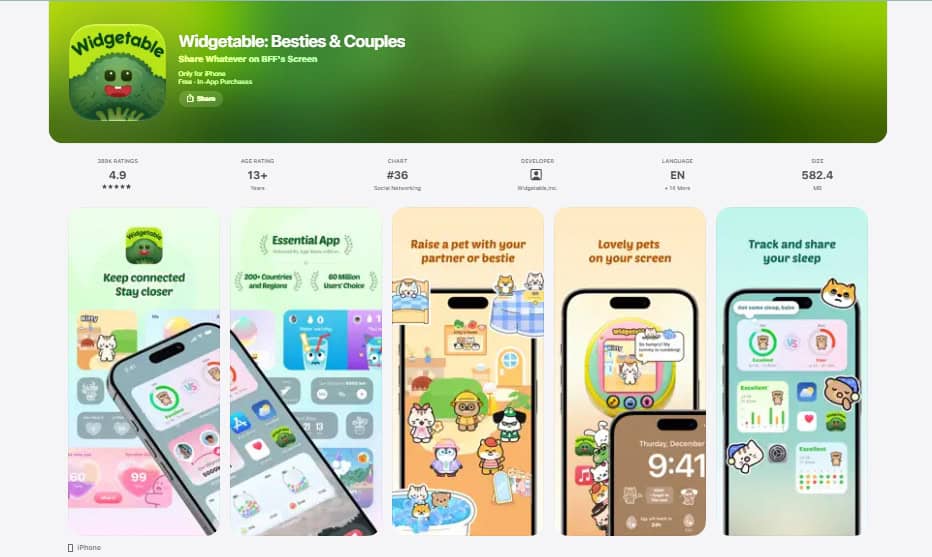
This fun and vibrant application provides social options that allow you to transform your widget into something that you and your best friend or boyfriend/girlfriend share. You can choose from various cute and fun themes and personalize them. Some additional widgets may be available in a separate application version.
Key features:
- Multiple social and fun themes
- Customize the appearance of a widget
- Offers free and paid options
- Includes various virtual pets
Best for: Social and fun themes for iPhone widgets
8. Photobox Widget – Best for Simple Photo Display
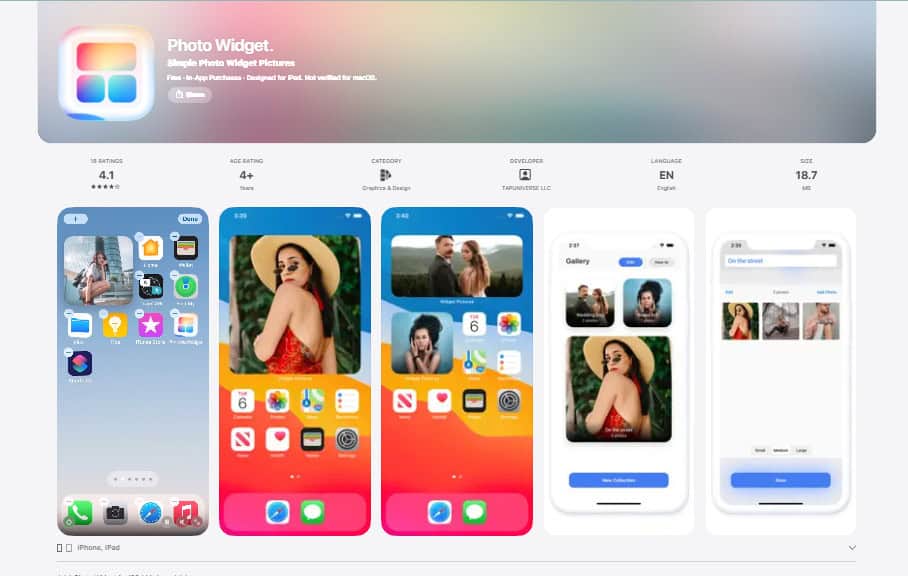
Phatobox Widget is an option to consider if you wish to display your favorite photos with a simple and elegant design. You can personalize the appearance and select the photos you wish to see on a daily basis. A photo widget is ideal for those who want to keep their favorite pictures in front of their eyes. The features may vary depending on the version of the application, so be sure to check the options on the App Store.
Key features:
- Easy and simple photo widget customization
- Display favorite photos and pictures
- Depends on the version of the application
Best for: Photo widget options for iPhone
9. Themify – Best for Matching the Icons and Widgets
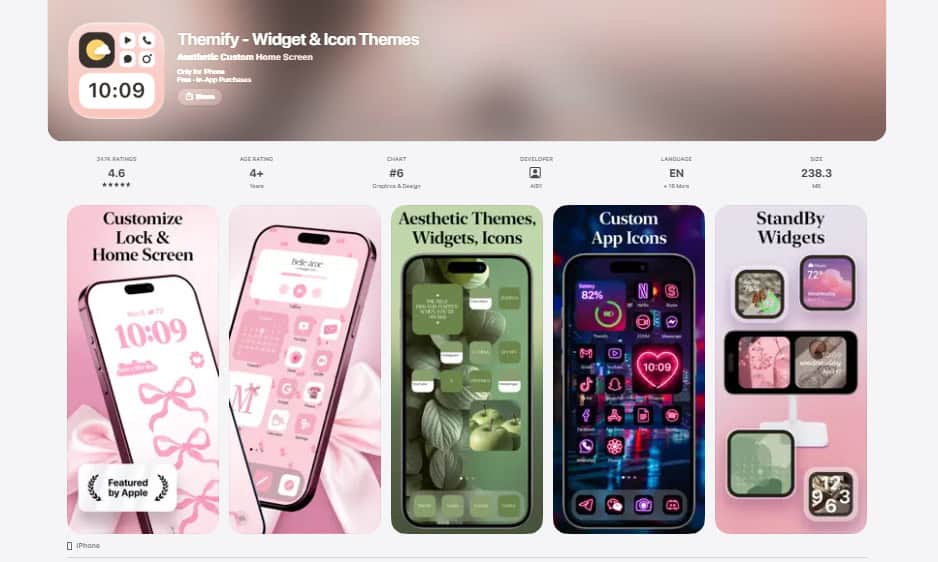
Themify is a helpful tool for those who want to match their widgets and iPhone icons. You can choose from a wide range of applications in order to customize your icons and transform the overall appearance of your home screen. This way, you will have greater creative freedom as you will not have to sort out individual icons or widgets. You can pick a certain theme and rely on the suggested icons and widgets. Various themes are available, including light colors, dark mode, minimalism, and other styles.
Key features:
- Multiple themes to choose from
- Wide range of icons and widgets
- Offers free and premium options
Best for: Matching the themes, icons, and widgets
10. Apple Shortcuts – Best Productivity Widgets
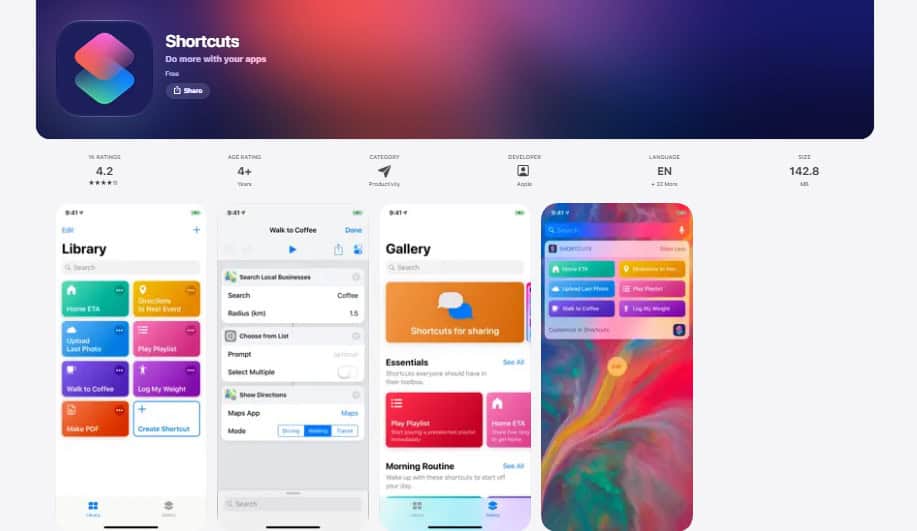
Apple Shortcuts is not an application full of fancy and colorful widgets. Instead, you will find useful widgets that allow you to manage your daily tasks in order to avoid forgetting about them. For instance, you can set up a useful shortcut that will open one of your favorite playlists when you tap on a particular widget. There are also widgets that allow you to manage your daily routines, open the most popular applications, and much more. This tool is ideal for those who wish to make their daily routine more comfortable without using a widget full of unnecessary information.
Key features:
- Customizable widgets for daily tasks
- Set up shortcuts for your favorite songs, playlists, and apps
- Can be used with other widgets
- Free widgets for iPhone
Best for: Productivity widgets for iPhone
How to Choose the Best Widget App for iPhone
Start with what you want your widgets to do: make your phone look better, or help you get things done.
- For an aesthetic look: Color Widgets, iScreen or Themify
- For advanced customization: Widgy, or Widgetsmith for an easier start
- For countdowns: Pretty Progress
- For personal photos: Photo Widget or Photobox Widget
- For sharing with a friend or partner: Widgetable
- For productivity: Apple Shortcuts
Keep in mind that most of these apps lock some features behind a subscription or one-time purchase. Check what’s included in the free version before you download, so there are no surprises.
How to Add Widgets to Your iPhone Home Screen
Adding a widget takes less than a minute:
- Touch and hold an empty area of your Home Screen until the apps start to jiggle.
- Tap Edit in the top-left corner, then tap Add Widget.
- Search for or scroll to the app you want.
- Swipe to choose a widget size, then tap Add Widget.
- Drag the widget where you want it, then tap Done.
You can also add widgets to your Lock Screen, or stack several widgets on top of each other to save space.
Final Thoughts
The best widgets for iPhone depend on the user’s needs and preferences. Widgetsmith allows you to customize the widgets with incredible creative freedom while Color Widgets or Themify are ideal for those who wish to enjoy a more aesthetic experience. Pretty Progress enables you to set up a countdown for an important day while Apple Shortcuts allows you to manage your daily tasks effortlessly. You can download several applications and use the most popular widgets for iPhone in 2027.